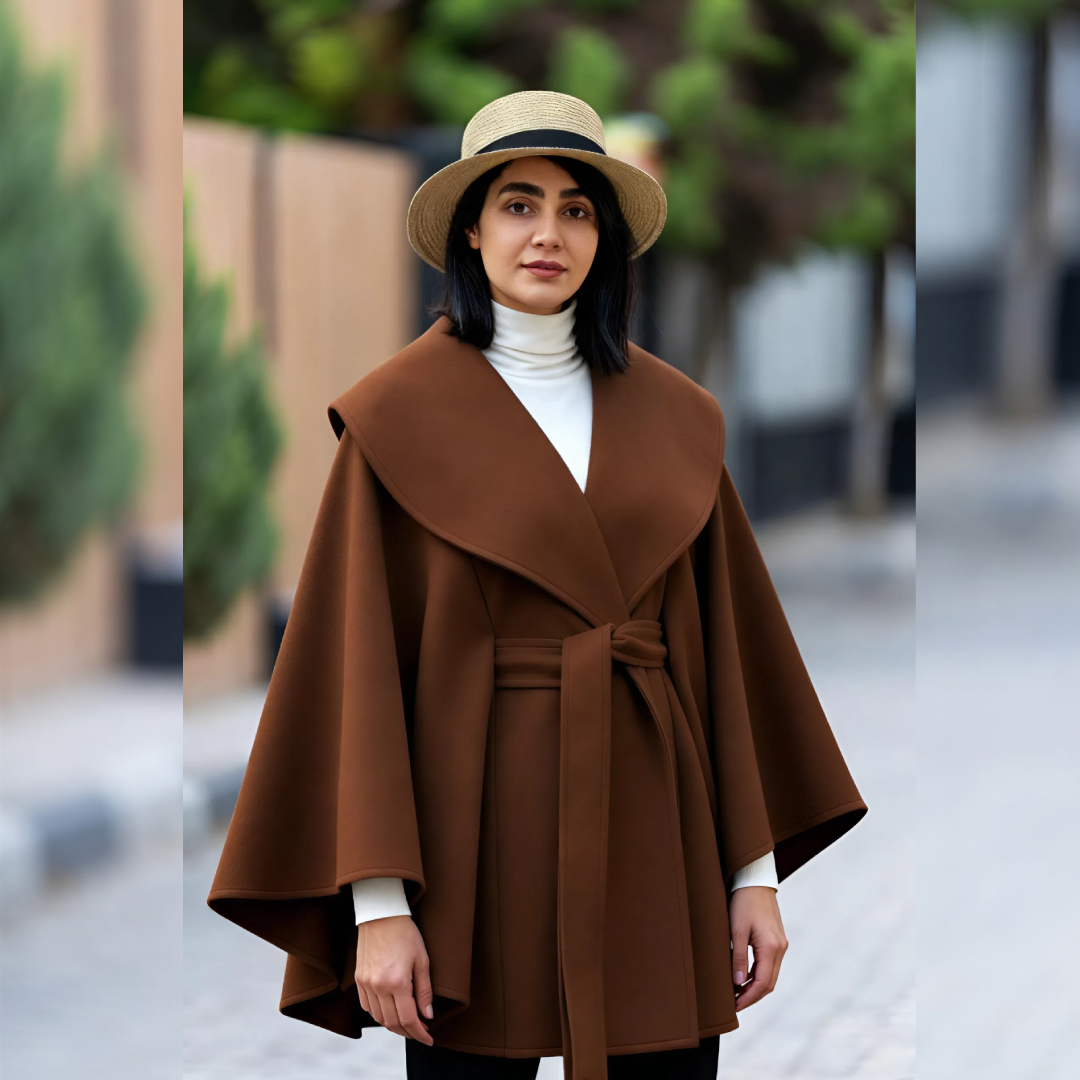
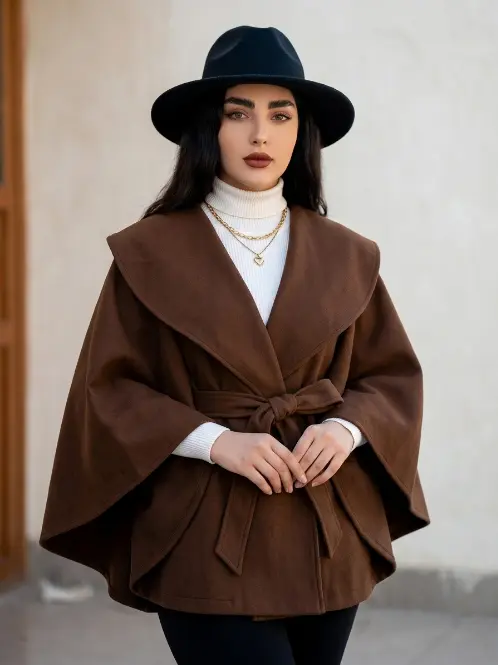
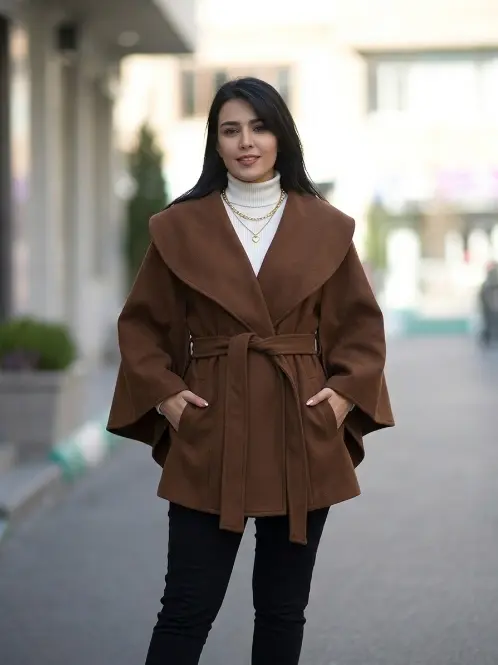
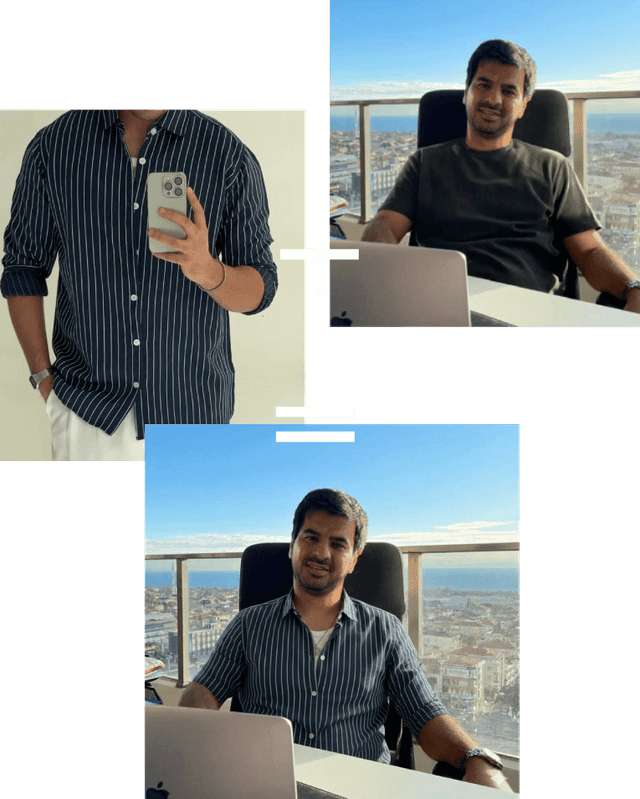
Built for Instagram Fashion Stores

Turn Instagram
Comments Into
AI Try-Ons

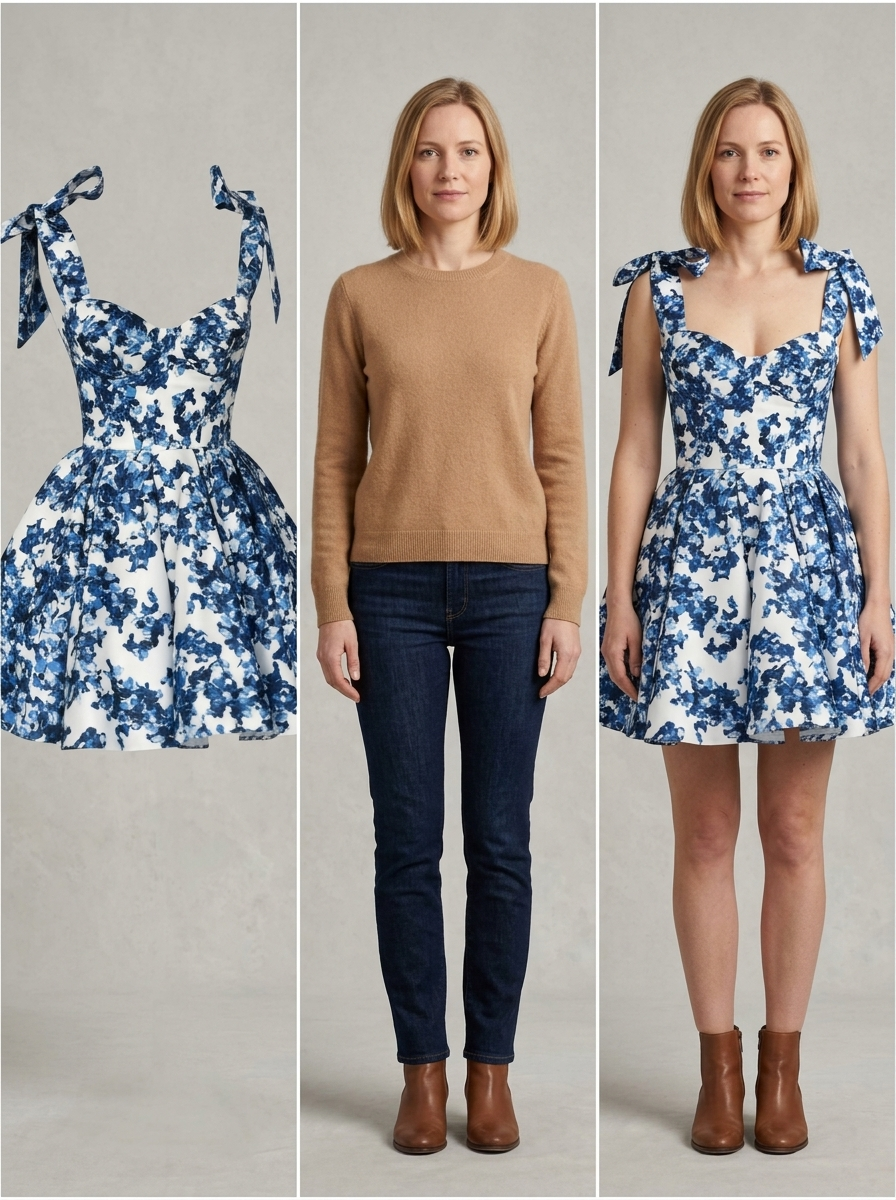
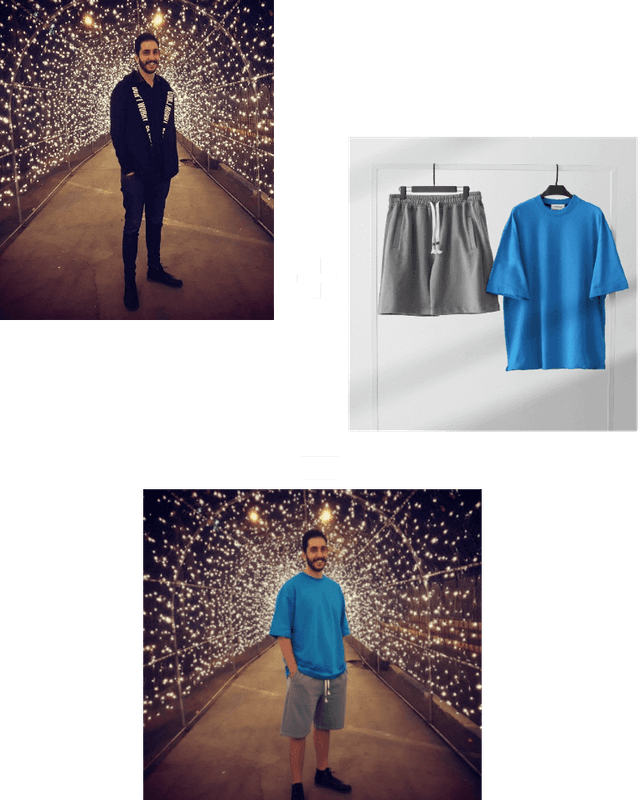
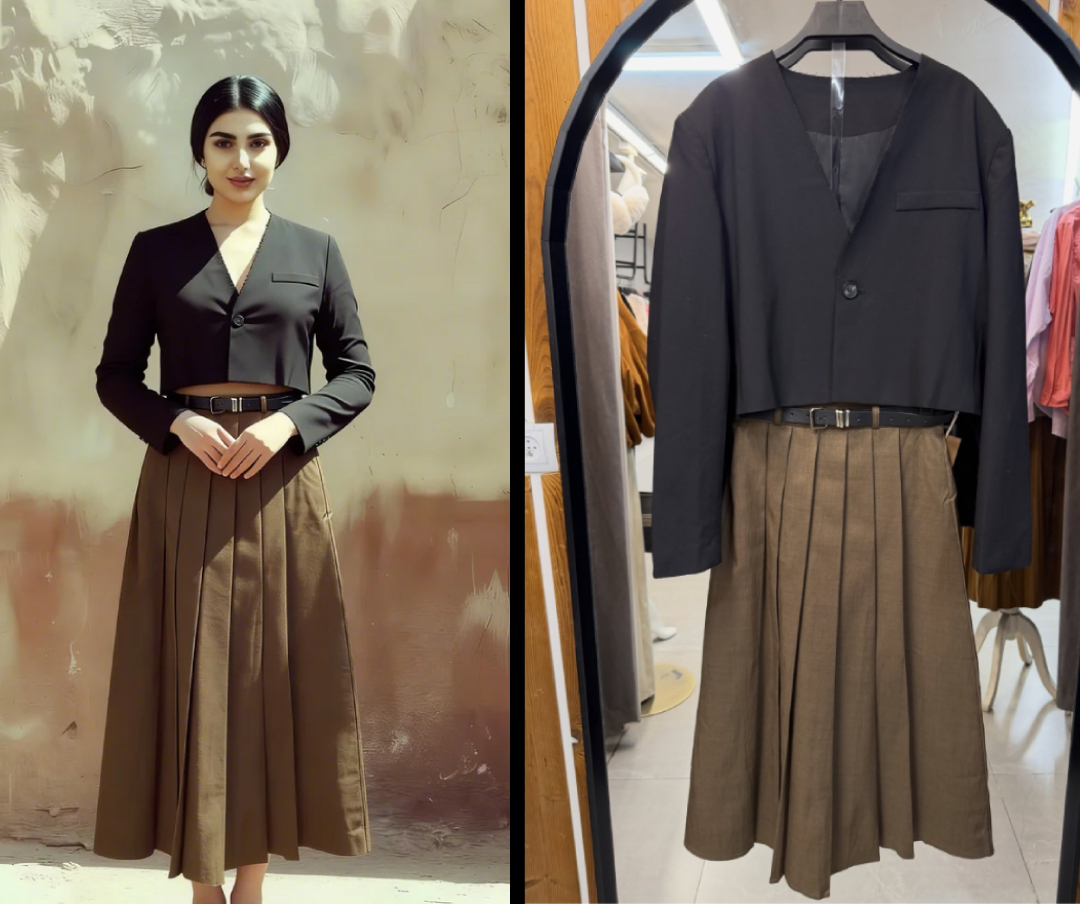
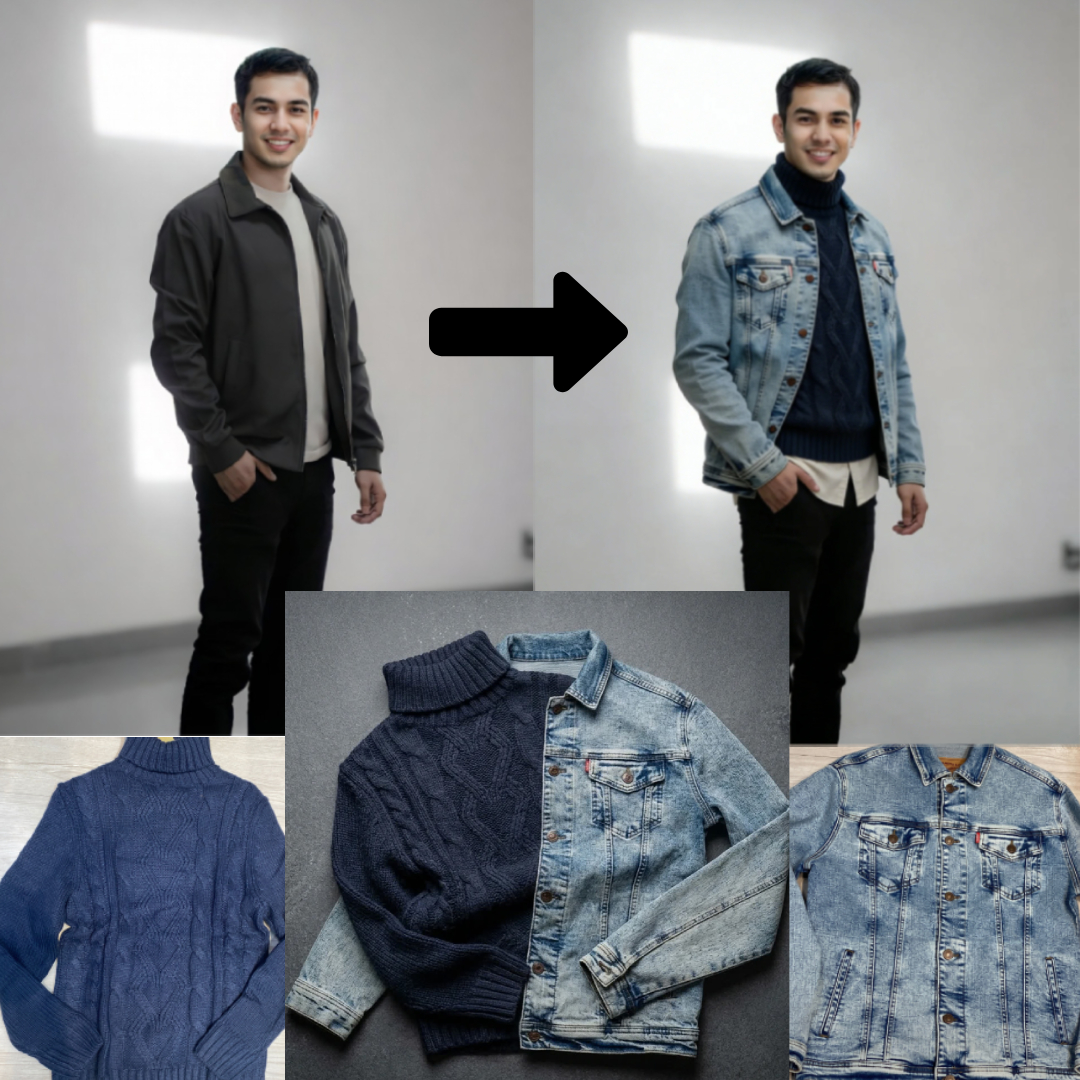
TryOnLive detects comments, story replies, and DMs — then sends shoppers a secure AI try-on flow.
No app install. No Instagram password required.

No app needed Setup in minutes No Instagram password
AI Powered
Result Ready
Under 30s
TryOnLive Bot
Active now
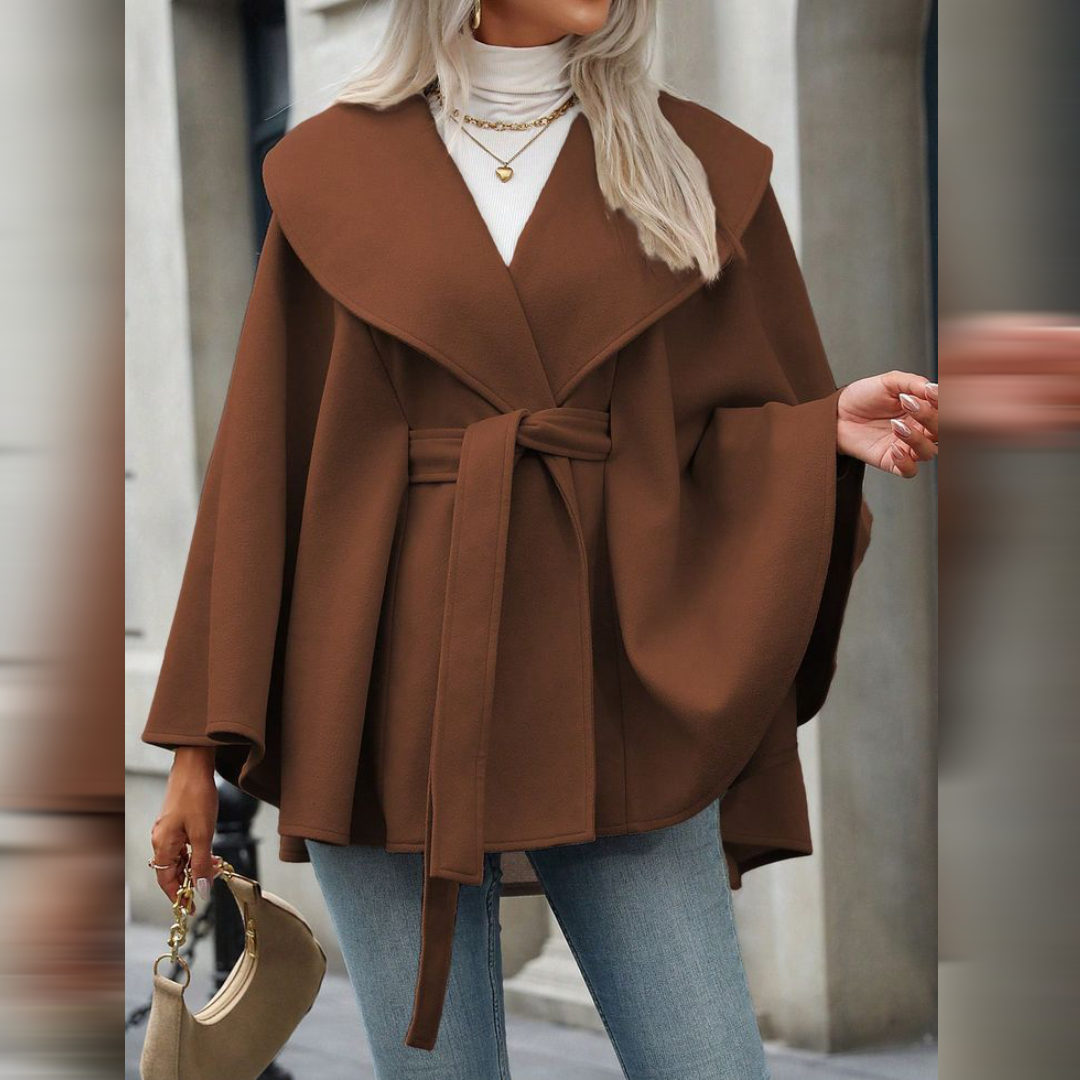
Clothing item uploaded by customer for AI virtual try-on
12:01
Ready!
12:01
Send a photo…
Scroll
Free Instagram Try-On Readiness Calculator

Check If Your Instagram Audience
Is Ready for AI Try-On

Enter your average post metrics and see whether your audience is engaged enough for an Instagram virtual try-on campaign. No login. No API. Instant estimate.

@
Use your last 6–12 posts. Add the numbers together, then divide by the post count to get your average. Example: 100+50+30 likes ÷ 3 posts = 60 avg likes.
No login required
Estimated benchmarks included
100% client-side — no data sent
How It Works

How TryOnLive Turns Instagram Comments
Into AI Try-Ons

Connect your Instagram shop once. TryOnLive detects comments, DMs, and story replies, guides shoppers through a secure AI try-on flow, and helps your team manage every conversation from one dashboard.

Step 01

Connect Your Shop

Connect your Instagram Business or Creator account, upload product photos, and set the keyword triggers that should start a try-on flow. Takes a few minutes.

Step 02

Shopper Engages

A shopper comments your keyword on a post, replies to a story, or sends a DM asking to try a product. The shopper always initiates — no cold outreach.

Step 03

AI Starts the Flow

TryOnLive replies with the right product, explains the next step, and sends a secure try-on link or guided DM flow — typically within seconds of the trigger.

Step 04

Photo to Try-On

The shopper uploads a selfie or full-body photo. The AI generates a realistic virtual try-on preview showing them wearing the product.

Step 05

Track & Convert

Manage try-ons, inbox conversations, customer profiles, and follow-up opportunities from one real-time dashboard. Every conversation, one place.

Works with Instagram Business and Creator accounts via the official Meta API. No Instagram password required.
Features

Everything you need to scale Instagram sales

A complete platform — from AI try-on to smart DM automation, story replies, AI agent, and a full inbox CRM. Built for Instagram brands that sell at scale.

Instagram Try-On Automation

Detect keyword comments on any post and automatically send personalized try-on links via Direct Message.

Smart Rate-Limit Queue

Never miss a reply. Our API-safe delivery queue paces DMs, comment replies, and try-on links — managing volume and retrying failed sends automatically.

Engagement Analytics

Instantly analyze any public Instagram page — followers, engagement rate, average likes, comments, and posting frequency.

Multi-Shop Dashboard

Manage multiple shops from a single unified panel. Each shop has its own rate limits, stats, and customer data.

Contact Management

Full customer profiles with DM history, activity timeline, engagement patterns, and instant block/unblock controls.

Block & Protect

Block abusive users per shop, restrict DM windows, and ensure your automation stays clean and compliant.

AI Smart Agent

Deploy an OpenAI-powered AI agent that handles DMs, comment replies, and story reactions with a custom system prompt. Set the language (Persian, English, Arabic) and let AI handle complex conversations 24/7.

DM Auto-Reply

Configure keyword-triggered automated DM responses. When a customer sends a specific word, they instantly receive your custom reply — no manual effort, no missed messages.

Story Reply Automation

Automatically respond to Instagram story reactions with personalized messages. Turn every story swipe-up and emoji reaction into an instant conversation — and conversations into sales.

Conversation Menu & Inbox

Set up a quick-reply menu that greets new DM openers with smart options. Manage all Instagram conversations from a unified inbox — view history, activity timeline, and reply directly.

FAQ

Frequently Asked Questions

Everything you need to know about TryOnLive's virtual try-on automation.

How does TryOnLive's Instagram try-on automation work?

When a shopper comments a trigger keyword, replies to a story, or sends a DM, TryOnLive starts a guided try-on flow. The shopper receives a secure link or DM instructions, uploads a selfie or full-body photo, and gets an AI-generated try-on preview — without installing an app.

Do shoppers need to download an app?

No. Shoppers can complete the try-on flow from Instagram and their mobile browser. They receive a secure link or guided DM flow, upload their photo, and view the result online — no app install required.

How long does an AI try-on take?

Most try-on results are generated in under 30 seconds, depending on image quality, queue load, and campaign volume. During peak hours, requests may be queued and processed in order.

Does TryOnLive follow Instagram automation rules?

TryOnLive is designed for Instagram Business and Creator accounts using supported messaging flows. Our API-safe delivery queue paces replies, retries failed sends, and helps reduce failed or excessive automation during high-volume campaigns. Exact delivery capacity may vary by account, permissions, and Meta platform limits.

Is my Instagram password required?

No. TryOnLive never asks for your Instagram password. Your account is connected through Meta's supported business account authorization — the same way trusted third-party tools connect to Instagram Business and Creator accounts.

What happens to customer photos?

Customer photos are used only to generate the try-on preview. Uploaded photos are deleted from the active processing system within 10 minutes of result generation. Temporary cached files are purged within 24 hours. Photos are never used to train AI models or shared with unrelated third parties. See our privacy policy for full details.

What is an Instagram engagement rate?

Engagement rate estimates how actively an audience interacts with posts. TryOnLive calculates it as average interactions per post (likes + comments + saves) divided by followers, multiplied by 100. Use our free Try-On Readiness Calculator to benchmark your score against accounts of a similar size.

Who is TryOnLive built for?

TryOnLive is built for Instagram-first fashion stores, boutiques, clothing brands, creators, and agencies that want to turn comments and DMs into personalized AI try-on experiences — fully automated, no app required.

AI Virtual Try-On · Live Demo

Try the AI Fitting Room

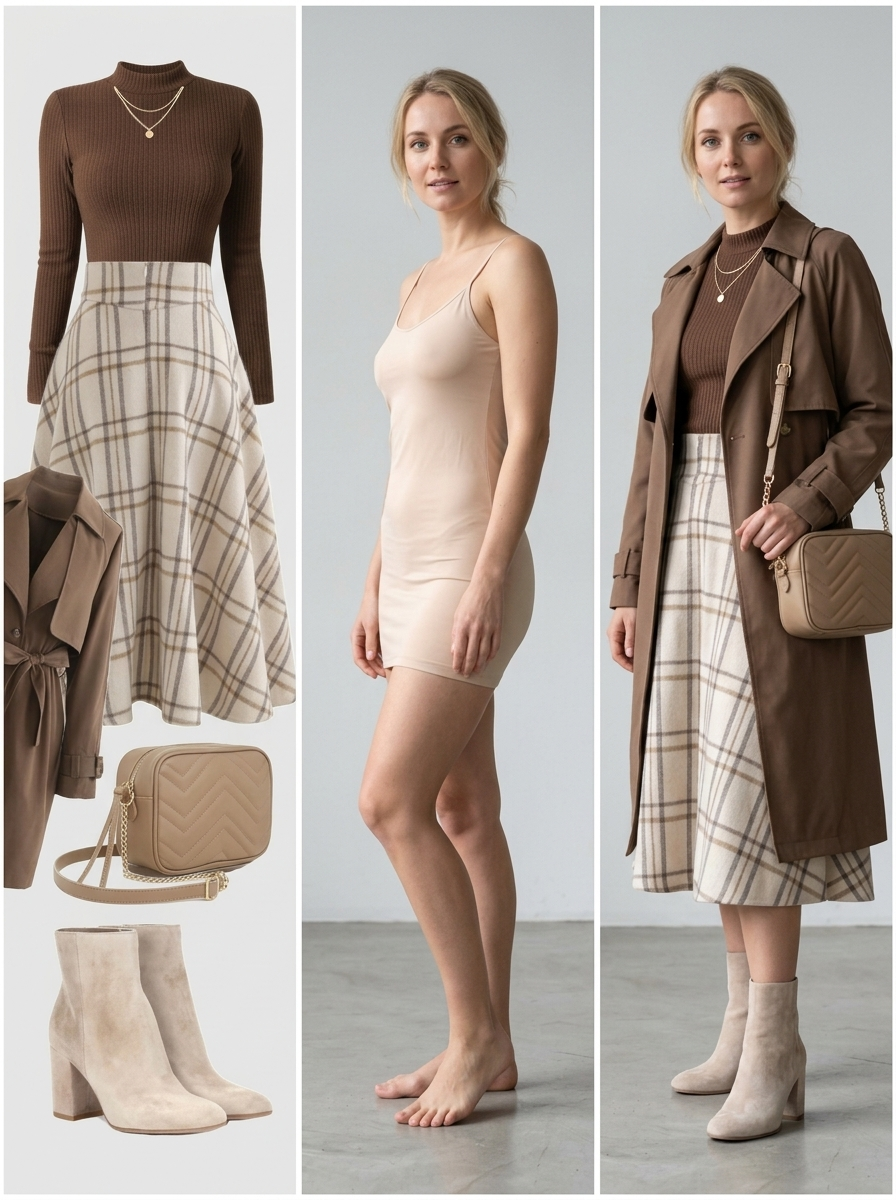
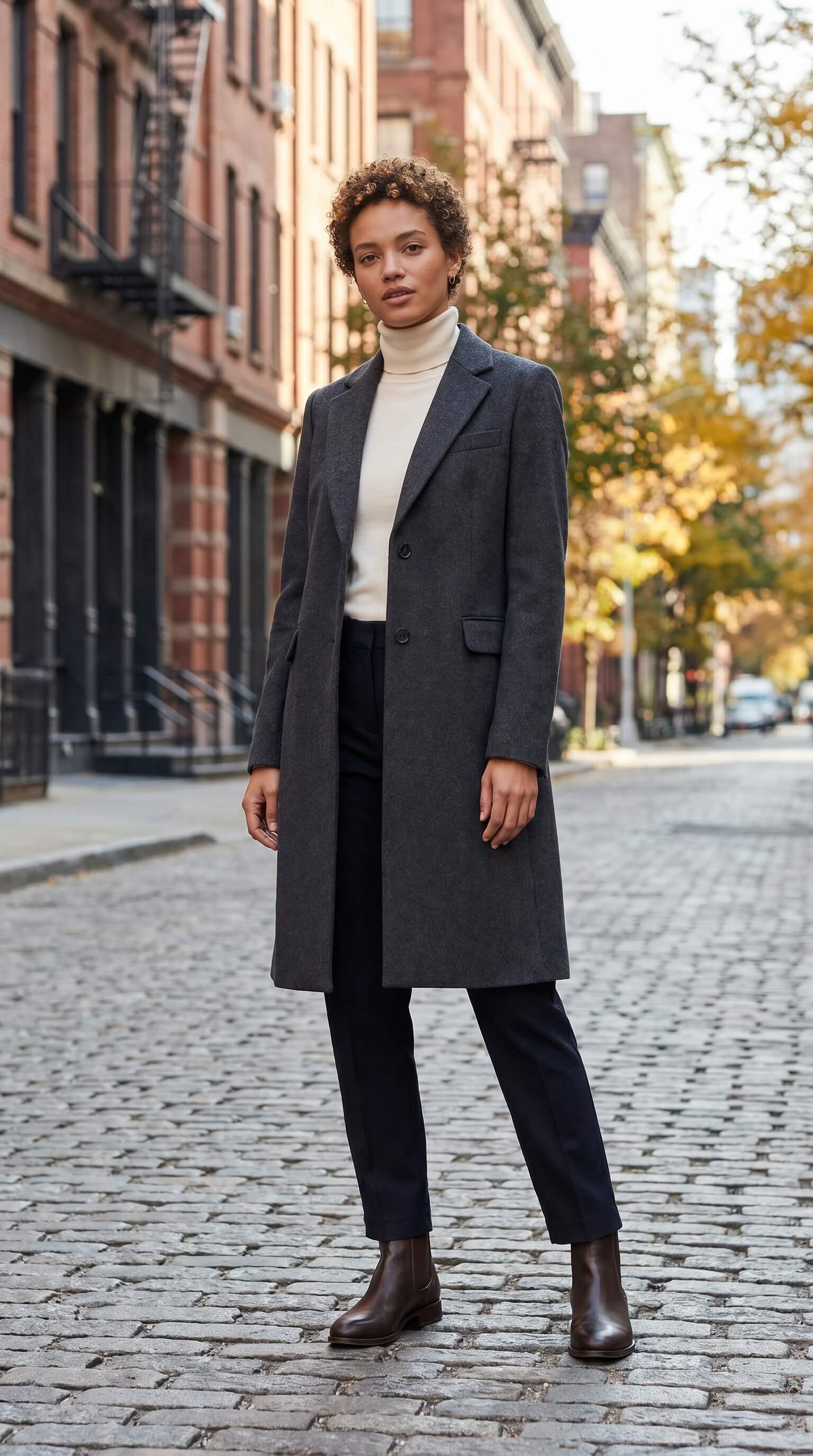
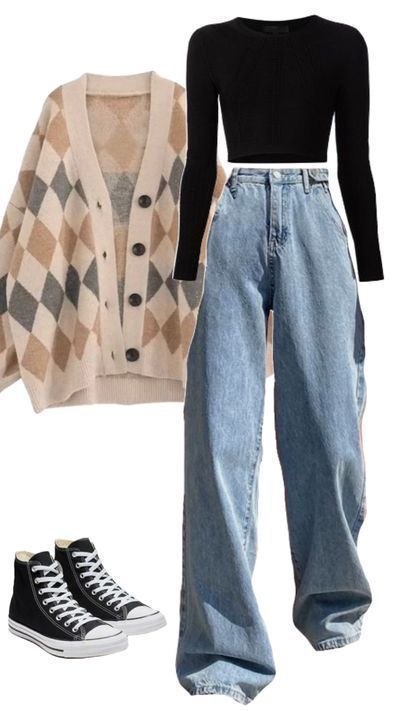
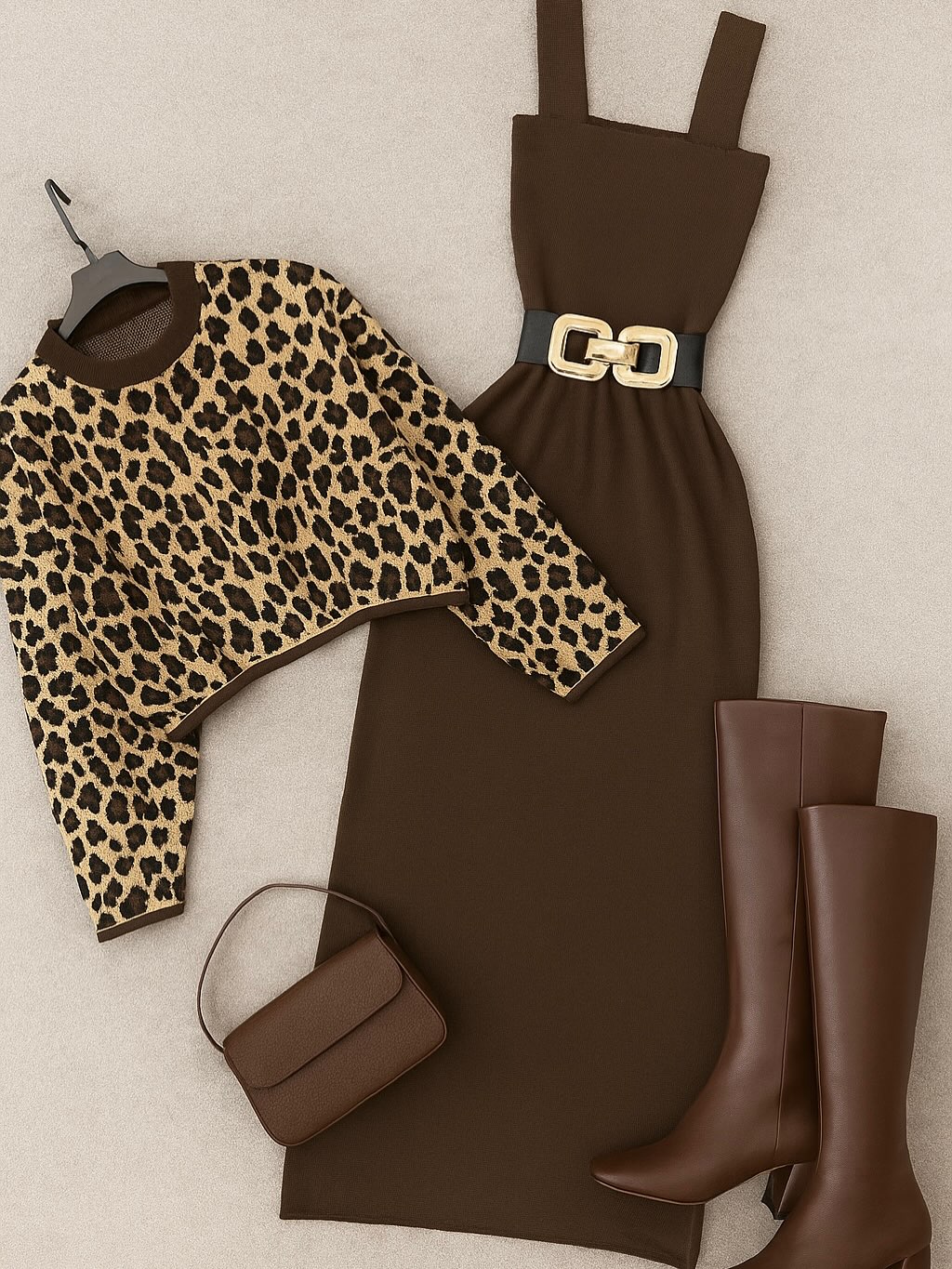
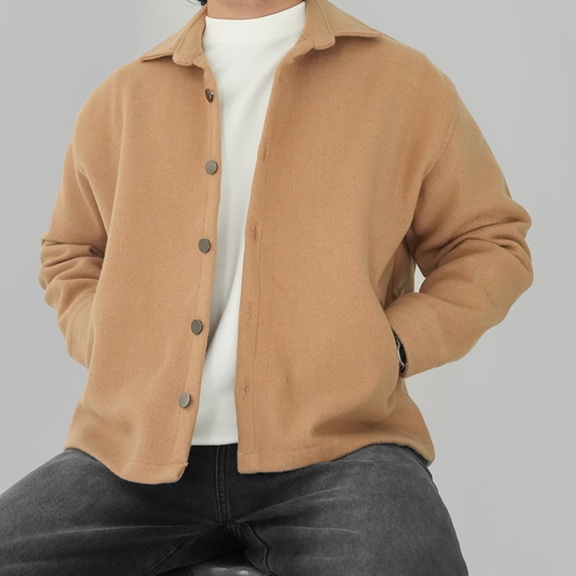
Choose a model or upload your photo → select an outfit → AI generates a realistic try-on preview.
Most previews are ready in 30–60 seconds, depending on image quality and server load.

1Choose Model
2Select Outfit
3Generate Preview
4Save & Share
Model

Model or Your Photo

Pick a sample model below,
or upload a full-body photo

click to browse · drag & drop
+
MODEL
+
OUTFIT
=
RESULT
Outfit

Clothing Item

Select a sample outfit below,
or upload a product photo

click to browse · drag & drop
Sample Models click to use as your try-on base
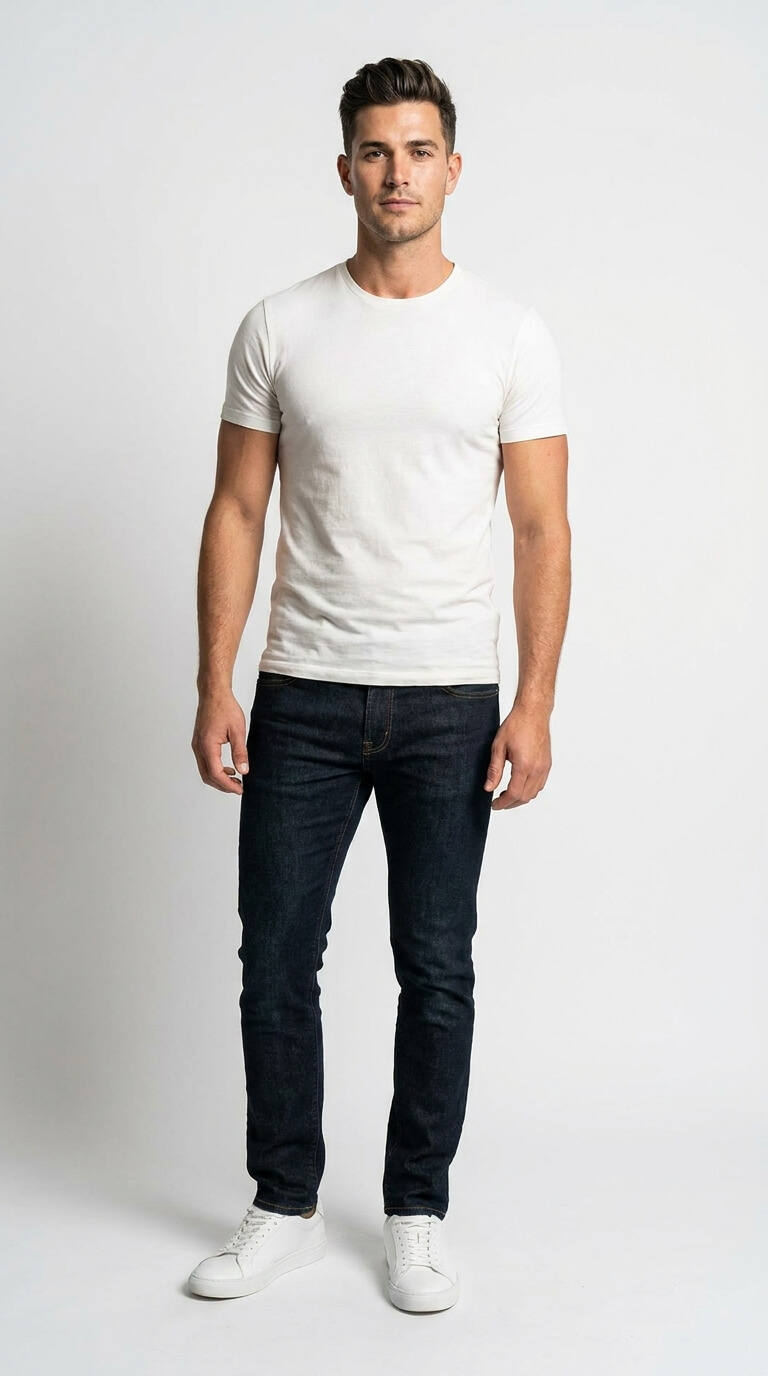
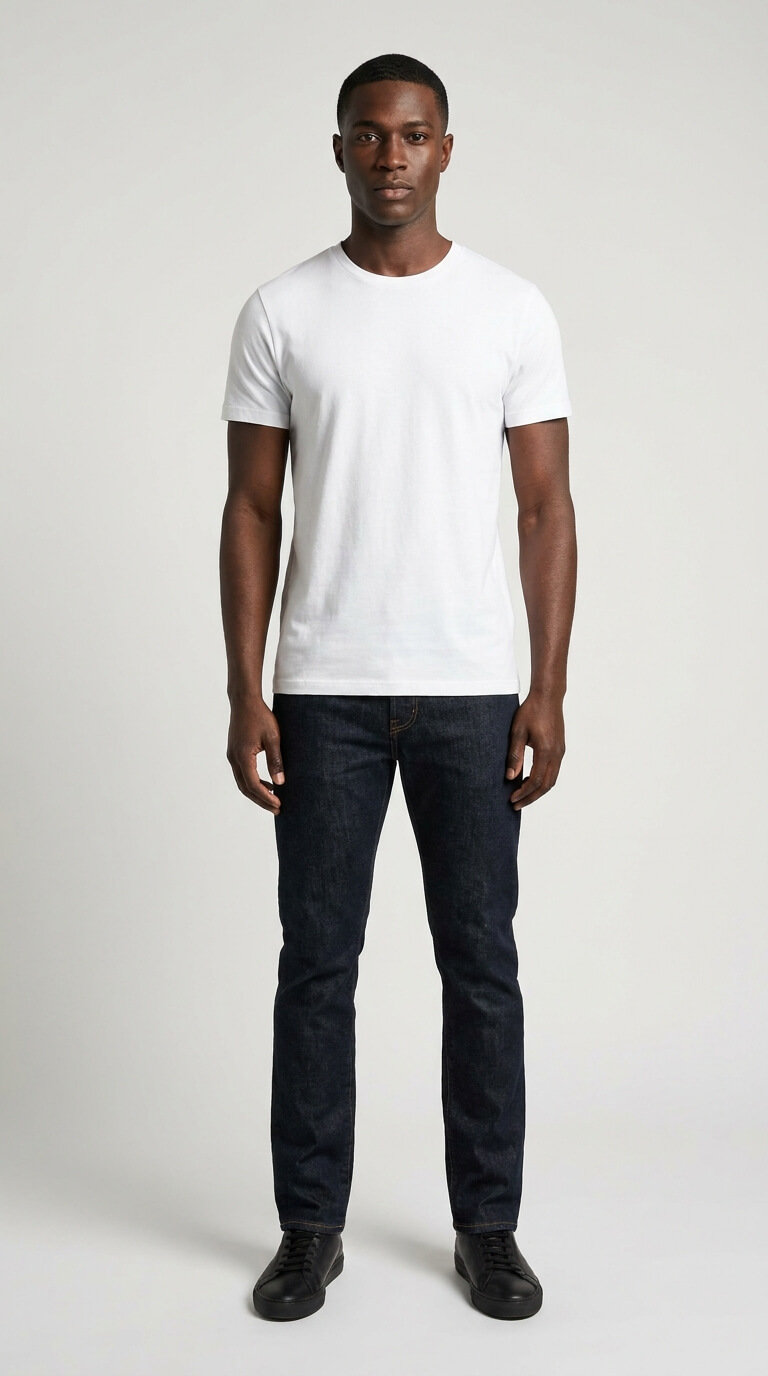
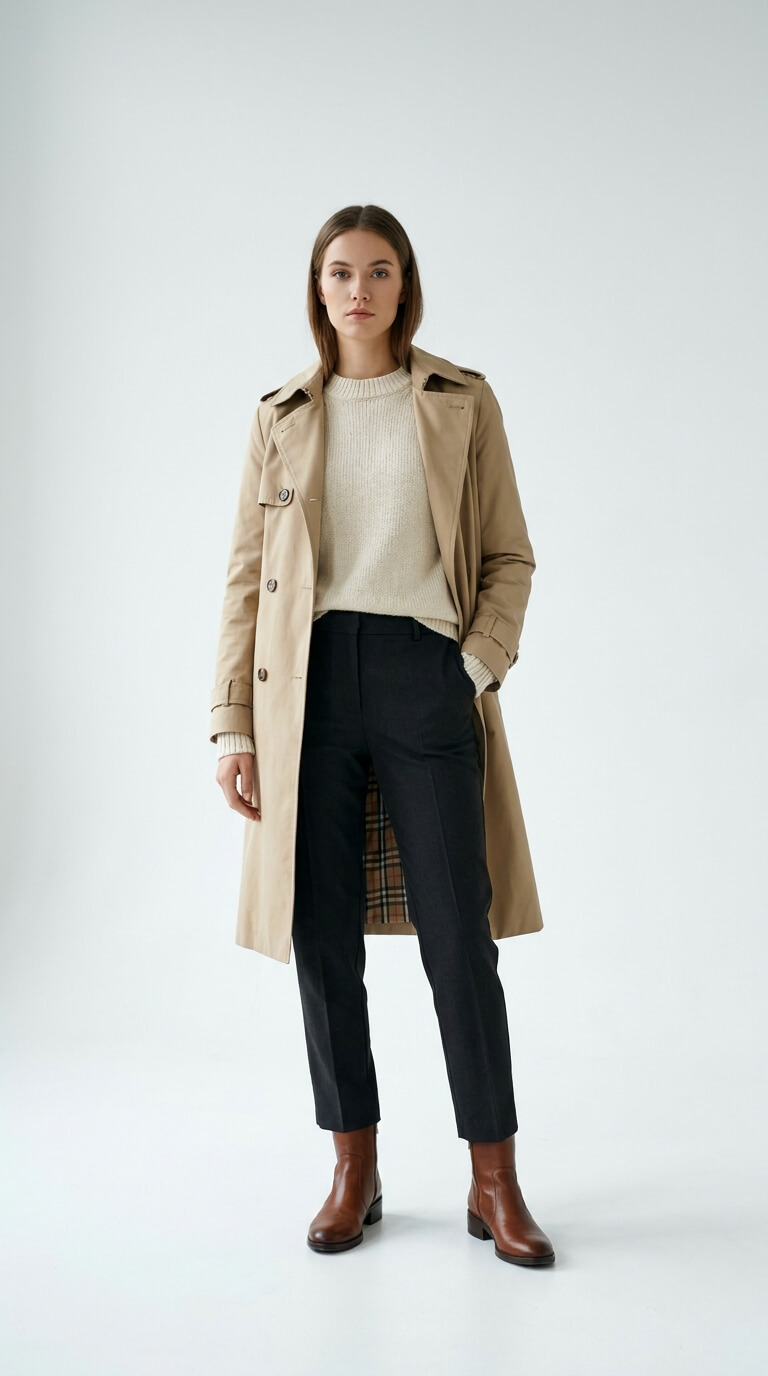
Model 1 Model 2 Model 3 Model 4
Upload
your own

Your photo is used only to generate this preview and is deleted after processing. Privacy policy

Sample Outfits click to select · drag onto the outfit card
Outfit 1 Outfit 2 Outfit 3 Outfit 4 Outfit 5
Upload
your own
Verify:
AI is generating your try-on preview…
AI-Generated Try-On
Try-on result
Contact Us

Let's build something great together

Whether you want to automate your Instagram try-on flow, get a custom integration, or just learn more about what TryOnLive can do for your brand — we're here to help.

Email support@tryonlive.shop
Instagram @tryonlive
Response Time Usually within 24 hours
🌐

Open in Your Browser

For the best experience — including the live demo — please open this page in your default browser.